
Photo tips for La Mujer Pelotero Dance
Choose a clear, well-lit photo with visible hands and feet for a full-body dance render.
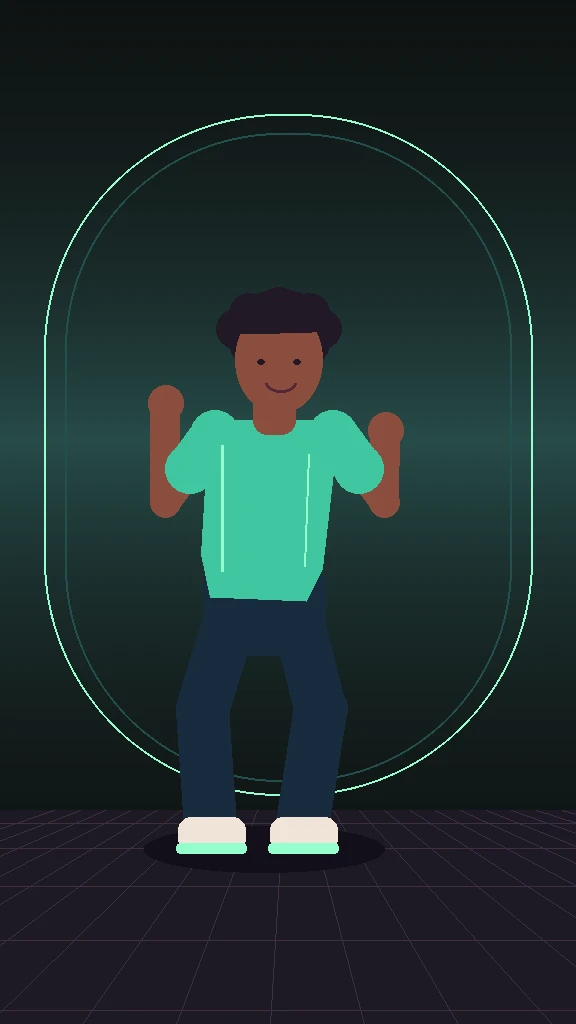
A dance clip gives the AI model more to reconstruct than a close-up portrait does. Start with an image that makes the dancer easy to see before worrying about output resolution.
Put one person in the frame
Choose a sharp JPEG, PNG, or WebP up to 10 MB. Use one consenting adult, standing or facing the camera, with both feet and wrists in view when possible. A waist-up portrait can work as a reference, but the lower body, shoes and motion may look less like your source photo.
Keep the face and outline clear
Even light across the face helps. Avoid filters that erase details, strong shadows, overlapping people, and a phone or hand across the face. Clothing with a clear outline is easier to follow during the side step. Leave a little room above the head and around the shoes when cropping.
Check the movement before exporting
Watch the first weight shift, the forearm lift and the final return to center. Check the face and hands at those points as well as when the dancer is still. A higher resolution can show more detail; it cannot restore information that was missing from the photo. For a first check, consider the shorter length or a lower resolution.
See the full dance guide · See the pricing and resolution options